Form Filling
1. Automatic Filling
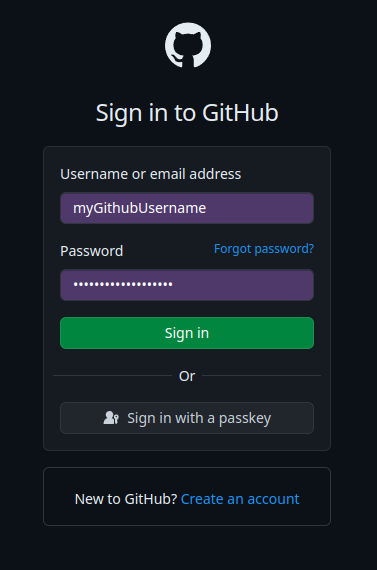
If the SmartLink extension is correctly installed and configured, the login fields (Username, Password, TOTP) will be automatically filled in by the extension.
2. Filling via Right Click
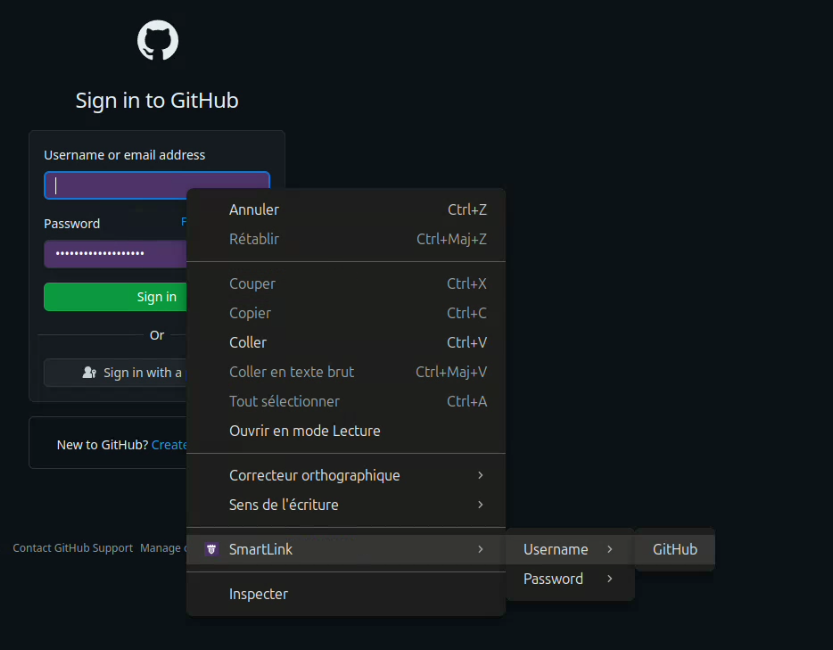
In case a field has not been detected by the extension, you have the option to copy the value you want (Username, Password, TOTP) into a field. To do this, simply right-click in a text field, then in the SmartLink menu you will find the different values known for the current page.