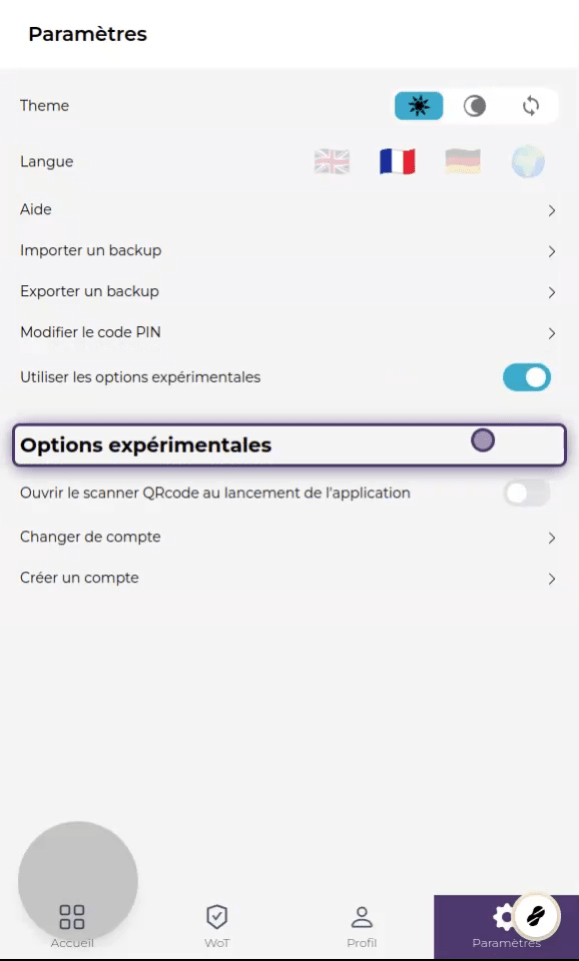
Settings
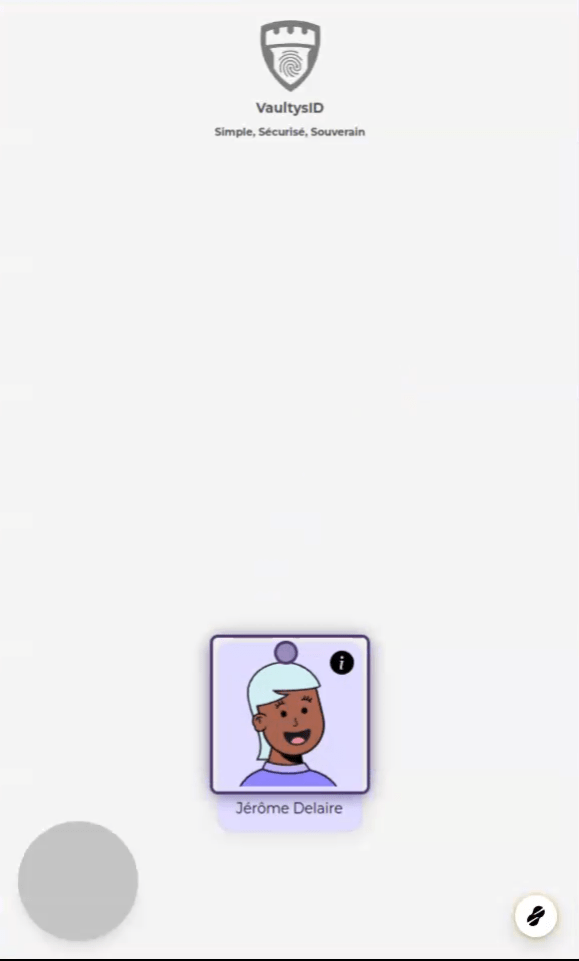
1. Choose a profile
Click on a profile to access the main menu of the application
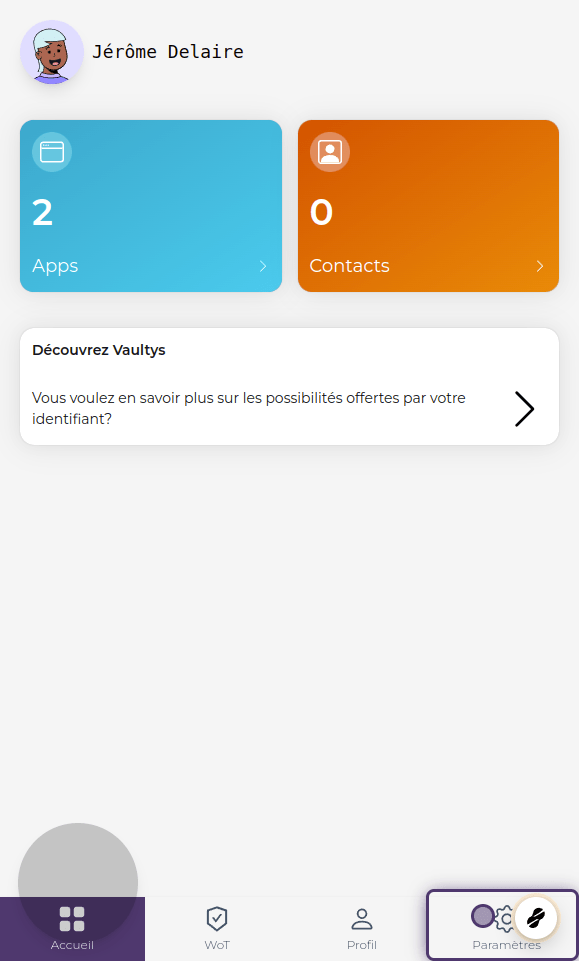
2. Click on settings
3. Theme
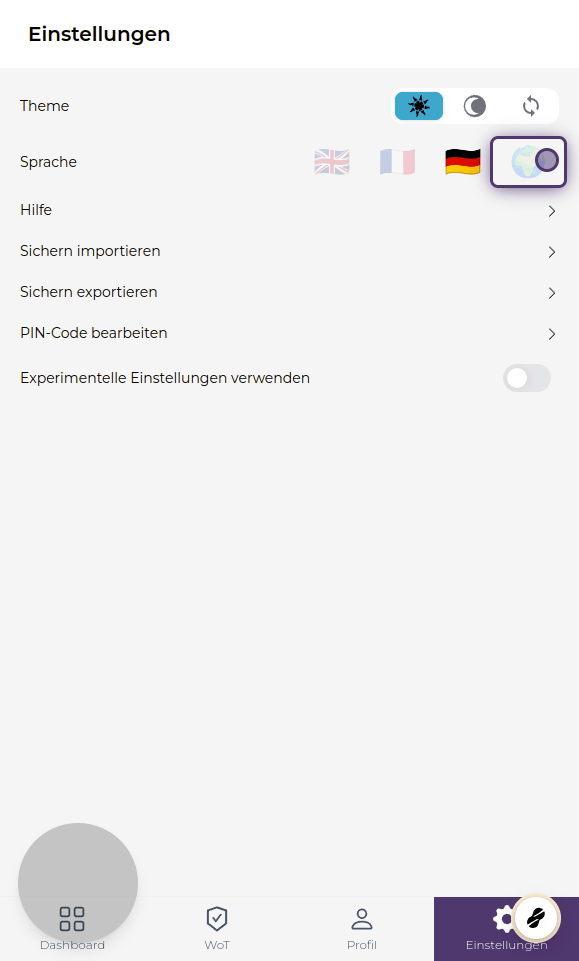
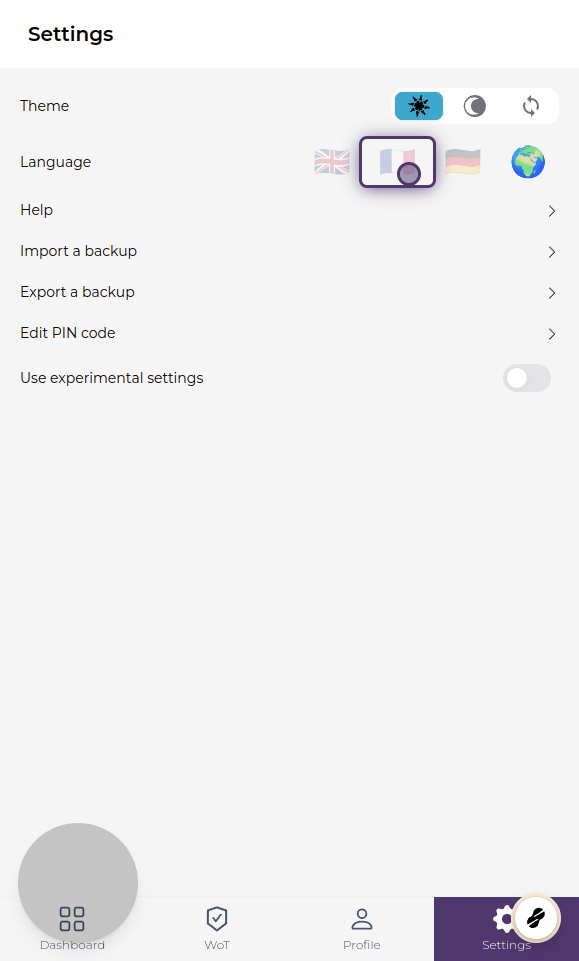
By default, the application will use the theme (dark/light) set by your system. You can force dark mode by clicking on the moon, or light mode by clicking on the sun.
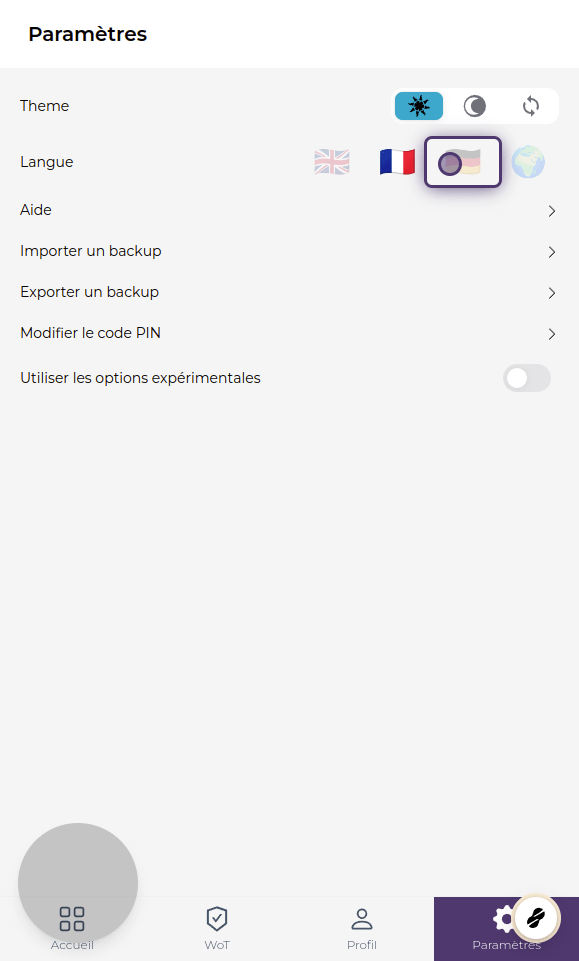
4. Language
VaultysID is available in French, English, and German. Click on 🌍 to enable automatic translation via a translator (e.g. Google Translate).
5. Help
Click on Help to access the help page and get more information on using VaultysID.
6. Experimental options
Enable experimental options to access more settings. You can create more identities, or enable the automatic opening of the scanner when the application is launched.